
Android · No account required
ClickPing
Open a WhatsApp chat with any unsaved number — no contact saved, no number cleaned by hand first.
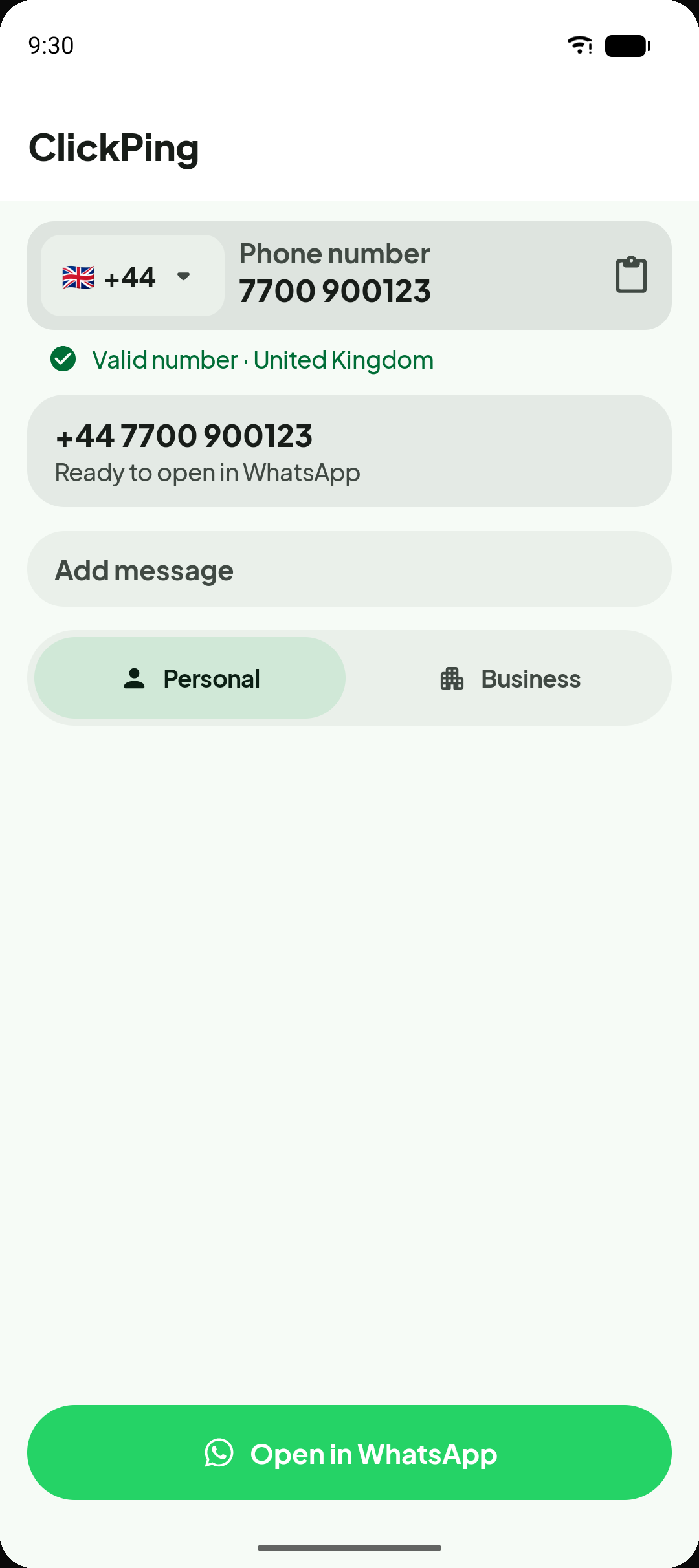
Built for the moments that matter
Whether you are following up on a one-off enquiry or contacting a delivery driver, ClickPing gets you into the conversation faster.
Chat without saving
Open a WhatsApp conversation with someone new without adding them to your contacts first.
Paste any format
ClickPing handles common real-world formatting — local, international, with spaces, dashes, or Unicode digits — so you do not need to clean the number first.
Personal or Business, your choice
Reach WhatsApp Personal or WhatsApp Business with fewer repeated decisions. ClickPing remembers your preference or asks once when both are installed.
Reuse messages, stay in control
Keep optional saved message templates ready for quick re-use. The final message is always yours to review and edit before you send it.
How it works
Three steps from number to conversation — no account, no contact saved.
- 1
Enter, paste, or share a number
Type a number directly, paste it from a message or web page, or share it to ClickPing from any other app. Any format works — spaces, dashes, country codes, or mixed digits.
- 2
ClickPing cleans and confirms
ClickPing normalises the number and, when necessary, asks you to confirm the country code before proceeding. No guessing, no silent changes.
- 3
WhatsApp opens with your message ready
The WhatsApp app of your choice opens with the conversation ready to start. Add an optional saved message for review before you send. ClickPing never sends messages automatically.
ClickPing is not affiliated with or endorsed by Meta or WhatsApp. WhatsApp is a trademark of WhatsApp LLC.
Every step, made simple
From messy numbers to open conversations — see the moments ClickPing handles for you.
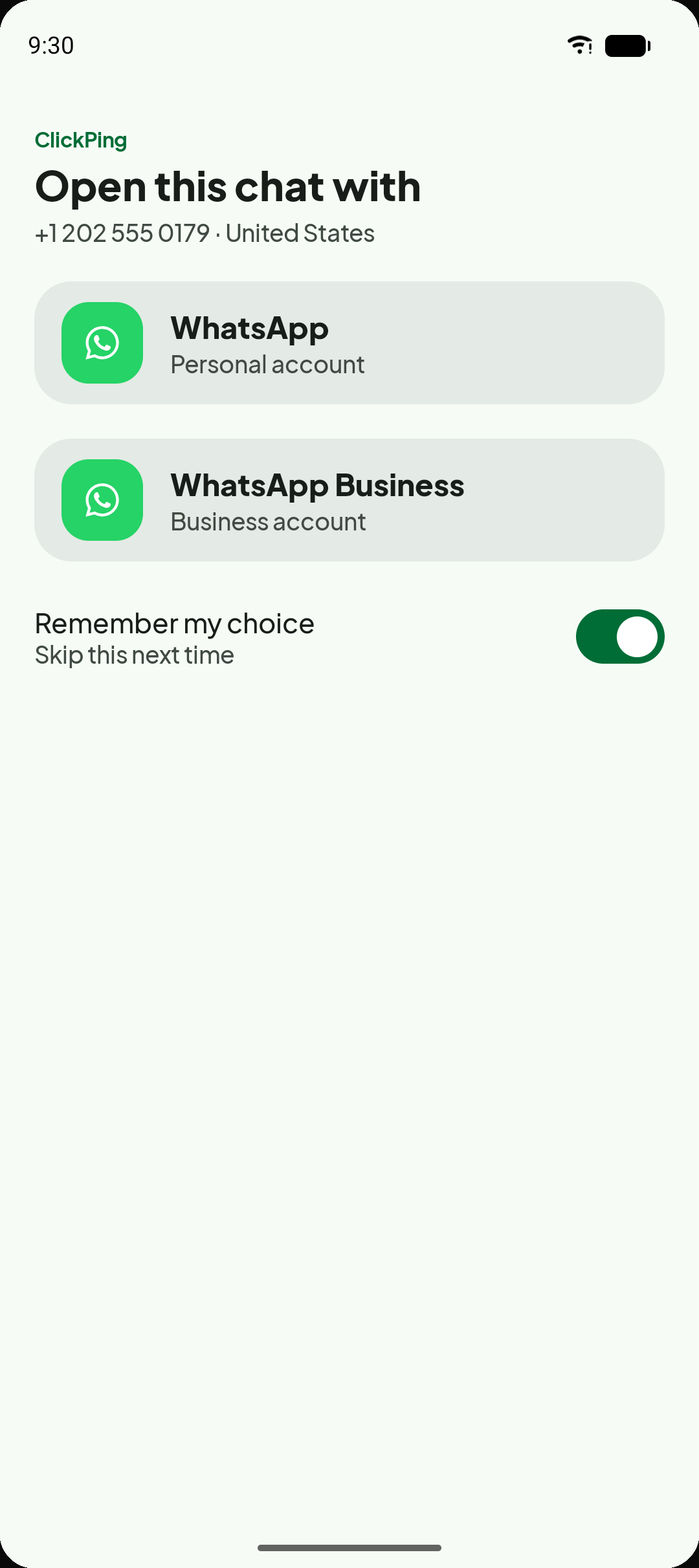
Personal or Business — your choice
When both WhatsApp Personal and WhatsApp Business are installed, ClickPing lets you pick which one to open for each contact.
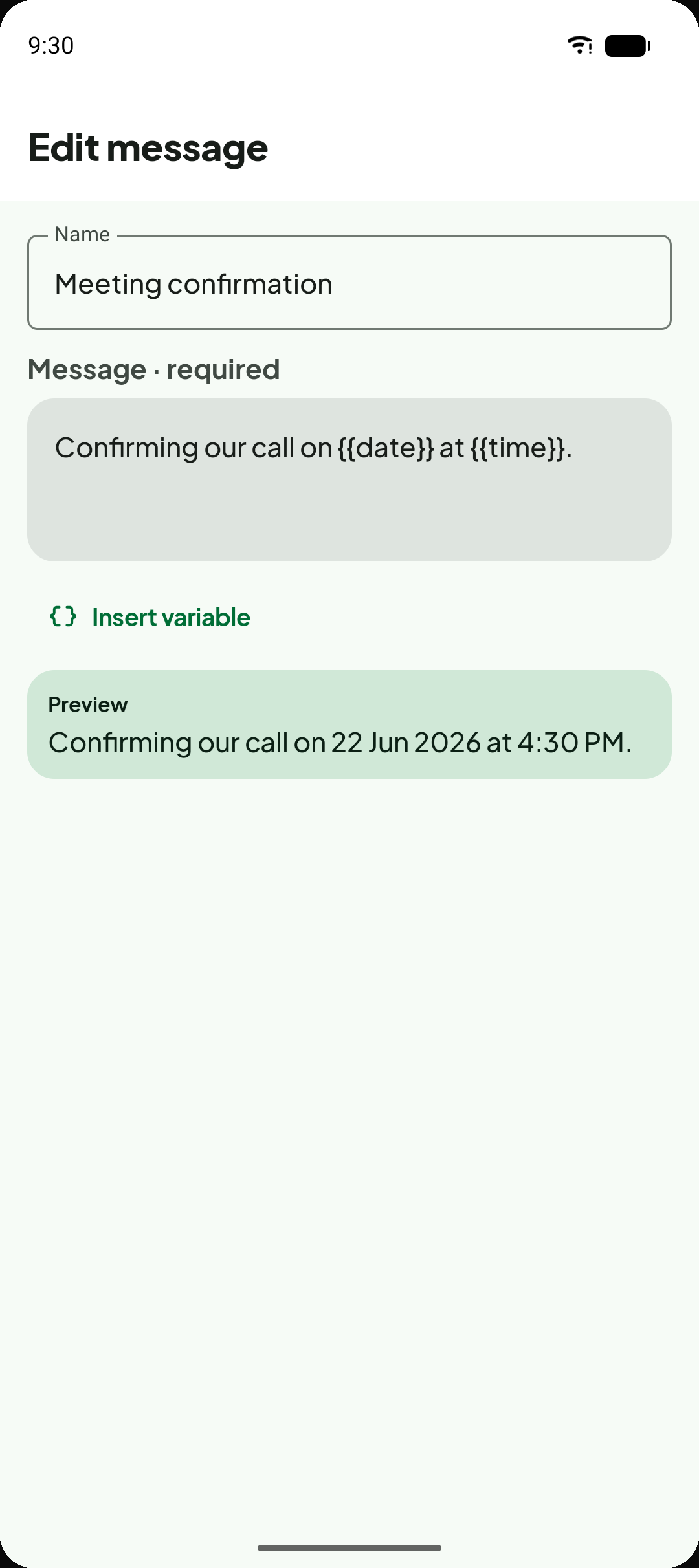
Saved messages with live preview
Write reusable message templates with optional dynamic tokens. The preview updates as you type, and you always review the final text before sending.
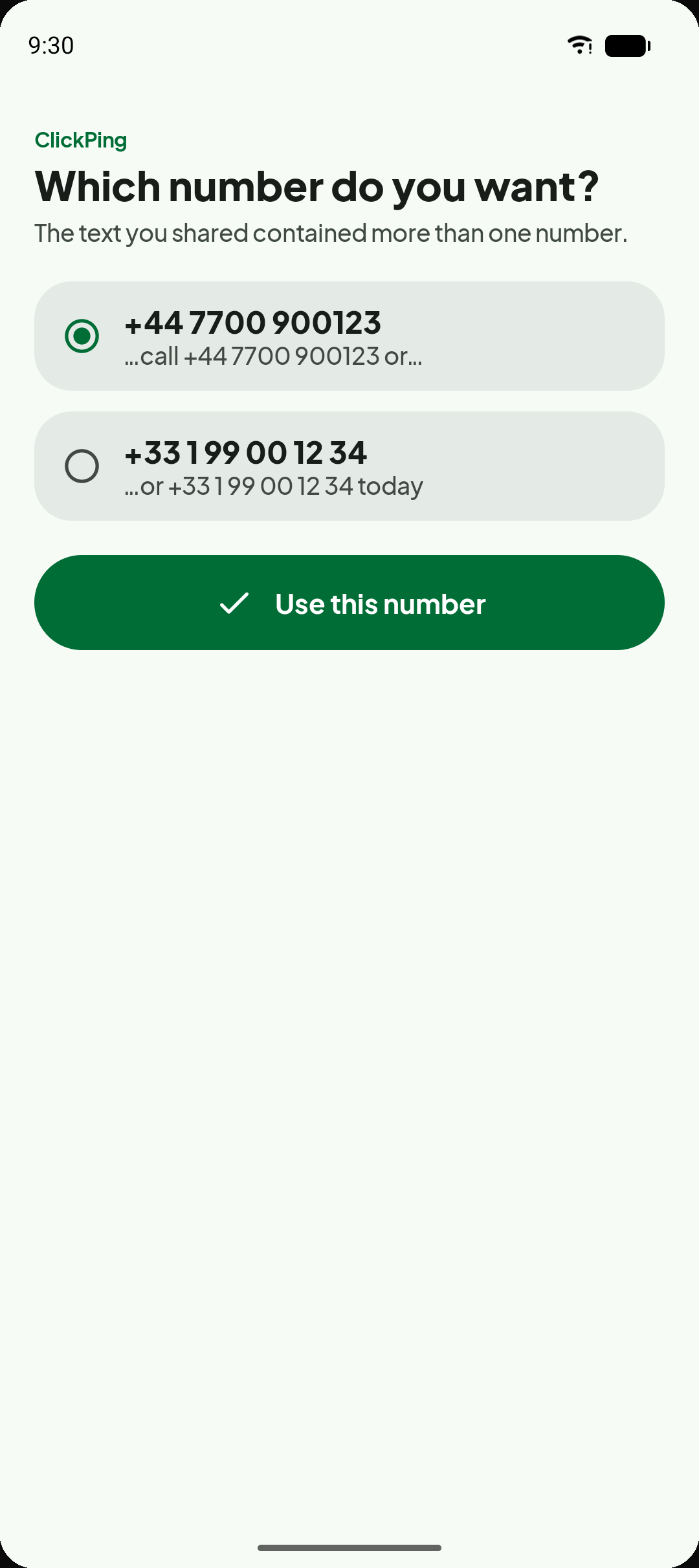
Handles multiple numbers at once
When shared text contains more than one phone number, ClickPing lists them clearly so you can pick the one you need.
Designed with your privacy in mind
Your data belongs to you. Here is exactly what ClickPing does and does not do.
Your numbers and messages stay on your device
Phone numbers you enter, messages you type, and saved message bodies are stored locally on your device. PlannedPing does not collect or receive them.
ClickPing opens WhatsApp — that is all
ClickPing hands the number and optional message text to WhatsApp using a standard deep link. It does not read your WhatsApp chats and it never sends messages on your behalf.
No account required
There is no ClickPing account, sign-in, or registration. The app works immediately after installation.
Diagnostics and optional analytics
ClickPing uses always-on content-free crash diagnostics to detect app failures — no personal data or message content is included. Usage analytics are optional and off by default; you can opt in from Settings.
Frequently asked questions
Does ClickPing send messages automatically?
Do I need to save the number as a contact?
Does it support WhatsApp Business?
Does it work on iPhone?
Where are saved messages stored?
Why does ClickPing sometimes ask for a country or number choice?
Is ClickPing affiliated with WhatsApp or Meta?
Start chatting without the friction
Any number, any format — ClickPing handles the cleanup and opens WhatsApp in seconds. No account, no contact saved.
Android only. ClickPing is not affiliated with or endorsed by Meta or WhatsApp.